There’s a particular kind of irony in using AI to research an AI product. You’re not just studying how people react to intelligent systems; you’re using one of those same systems to help you figure it out. Over the past few months, leading UX/UI research at an AI company and consulting on user experience work for OpenAI, I’ve had to build a working relationship with AI tools that’s equal parts trust and skepticism. Here’s what that’s actually looked like.
Competitor research: AI as a research accelerant, not a shortcut
A large part of my work has involved benchmarking competitor products and reverse-engineering their conversion flows, mapping how users move from first touch to activation, where friction shows up, and what design or messaging choices are driving (or blocking) that movement. This kind of research used to mean hours of manual click-throughs, screenshots, and note-taking across a dozen competitor products.
Competitor research rarely comes with the luxury of unlimited time, and it’s not efficient or necessary to walk through every competitor in a category with the same depth. When I’m testing a specific feature and the clock is tight, I’ve started using AI to do a first-pass ranking: which 2-5 competitors are executing this particular feature best, based on what’s publicly known about their flows, reviews, and positioning. That gives me a shortlist to start with, instead of working alphabetically or by brand recognition and hoping I land on the strong examples early.
But I’ve learned to treat AI-assisted competitor analysis as a first draft, never a finished one. AI is good at describing what’s on a screen. It’s much less reliable at inferring why a product team made a particular choice, or whether a flow that looks smart is actually converting well. I still verify every substantive claim against the actual product experience myself before it goes into a report. The tool accelerates the mechanics of research; it doesn’t replace the judgment part. Which works well me for because I love the judgement part and am very experienced in making recommendations from there.
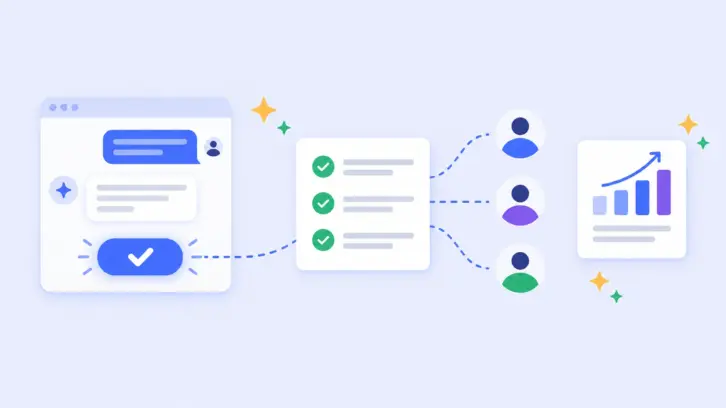
AI tools have genuinely changed the pace of that work. I can move through a competitor’s onboarding flow, capture the sequence, and have an AI tool help me structure observations into a comparable framework with consistent categories across products, so I’m evaluating apples to apples instead of relying on memory or ad hoc notes. In particular, I like using Claude, Use.AI, and Grok for reporting and analysis and Perplexity for any image generation. That’s a real speed gain, and it means more time actually thinking about what the patterns mean rather than assembling the raw material.
User testing: where AI is most useful and where it needs the tightest leash
The other place AI has become part of my workflow is user testing and interviews, specifically in transcription and first-pass coding of session data. When I’m running usability sessions for an AI product, I’m often testing something genuinely novel: interfaces where the “right” way to interact isn’t established yet, and where a user’s confusion might be about the product. Teasing those apart requires careful, close reading of what people actually said and did. AI-assisted transcription and initial coding save real time here, turning hours of recordings into structured, searchable text, and offering a first pass at tagging themes.
In user interviews, for example, if the majority of users comment that the Add to Cart or Checkout button placement is not intuitive and they easily miss it, I will want to grab exact quotes as well as data points like “10 out of 12 users agreed that the CTA should be moved and a different color.” This point used to take me hours to days of work listening to the recordings of the user interviews I had conducted. Don’t get me wrong, I actually enjoy this type of analysis but if I can save hours of my analysis time from listening and relistening to recordings and add that time into my synthesis, report construction, and recommendations, then the quality of my work will definitely improve.
What this means for how I work
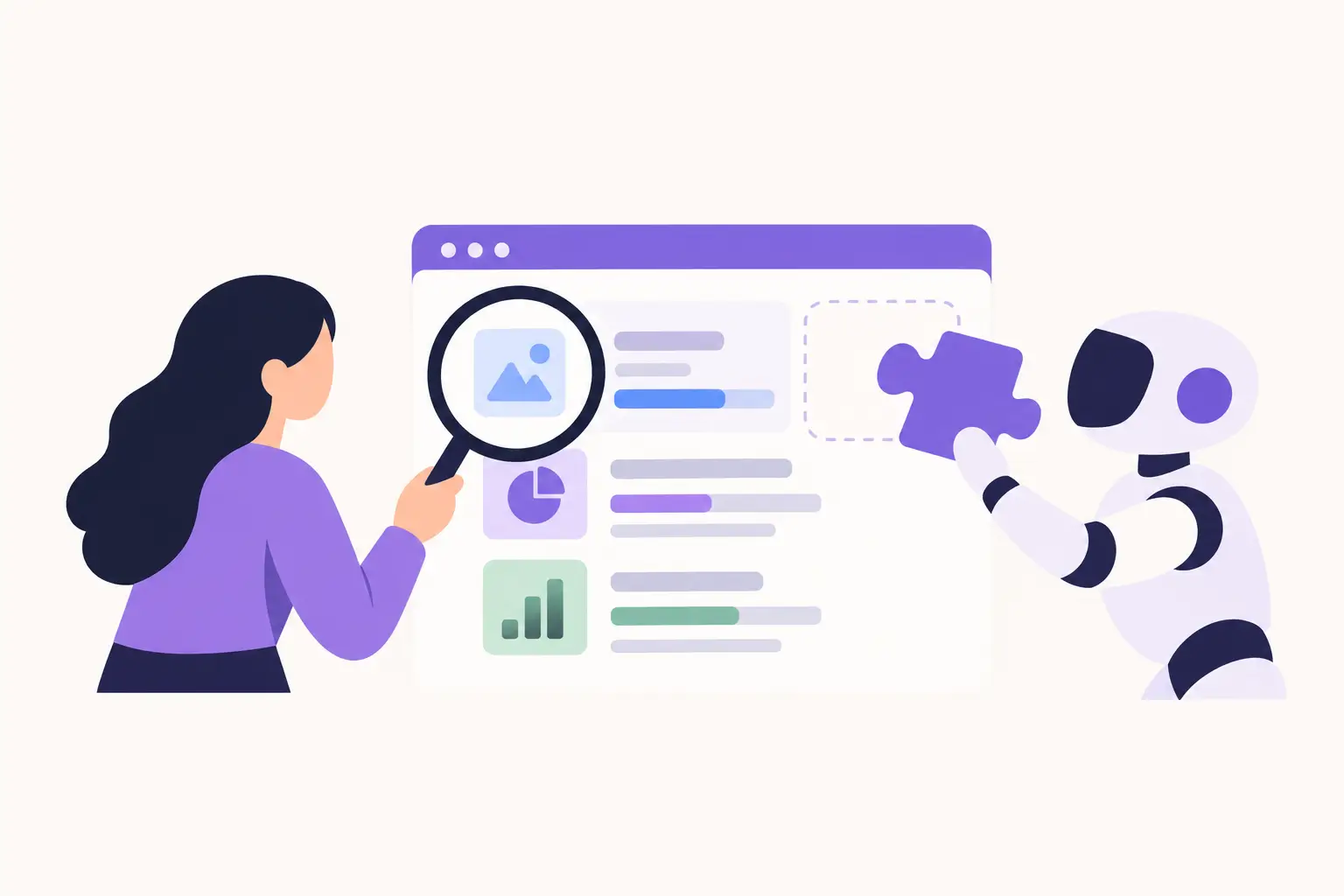
Practically, this has settled into a habit: AI does the first pass, I do the verification pass, and nothing goes into a client- or stakeholder-facing deliverable without me having checked it against the source the actual screen, the actual transcript, the actual clip. That habit isn’t a limitation on how much AI I use. If anything, it’s what lets me use it aggressively, because I’m not worried about a hallucinated pattern making it into a recommendation that shapes a product decision.
Researching AI products with AI tools isn’t really a novelty anymore; it’s just how the work gets done now. But the researchers who get real value out of it are the ones who treat the tool as fast and fallible, and keep the judgment part firmly in human hands. The phrase Work Harder, Not Smarter rings true here with the introduction of AI into UX Research. I am no stranger to this notion and we will keep getting smarter.